Step 1
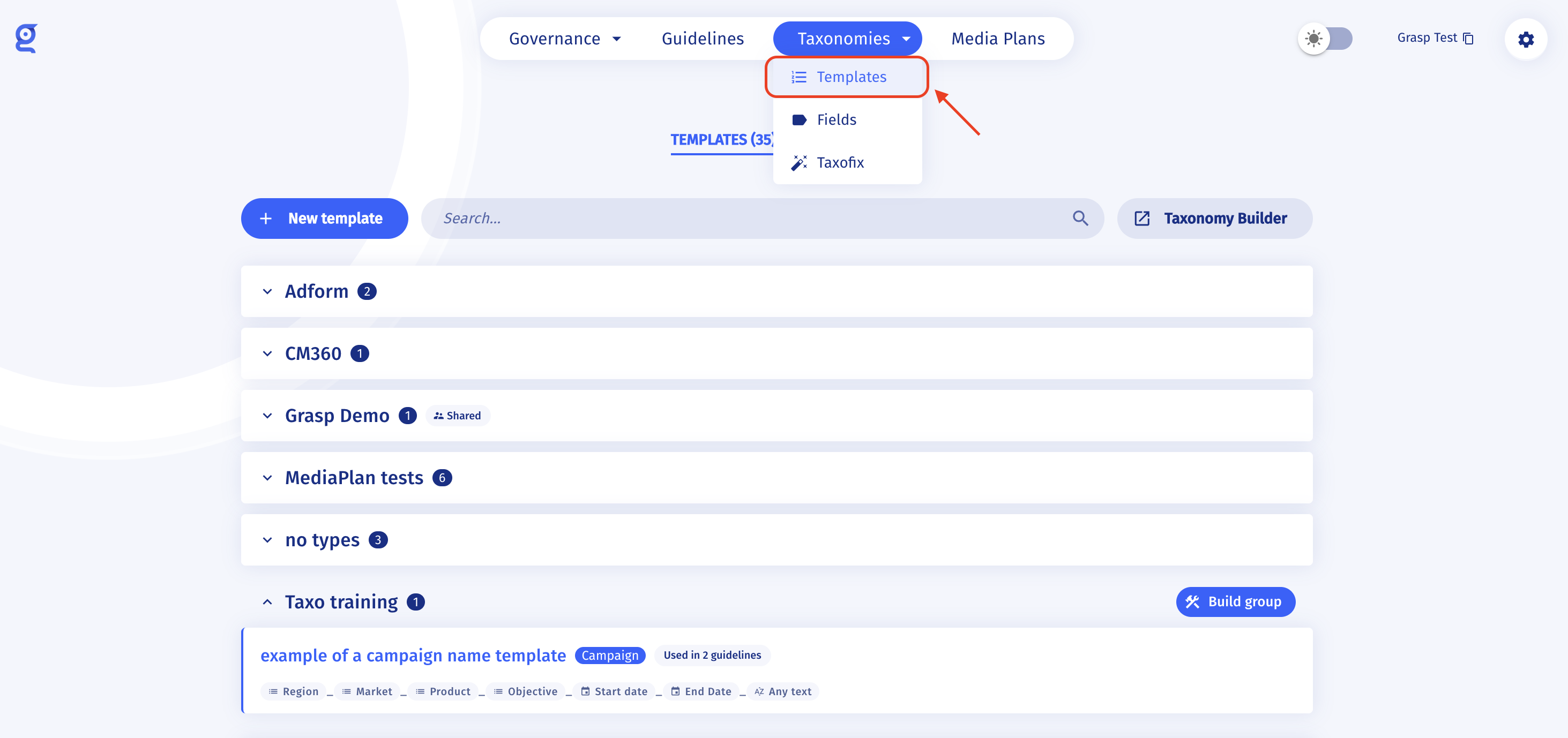
Go to Taxonomies → Templates, then open the template you want to update.
Step 2
-
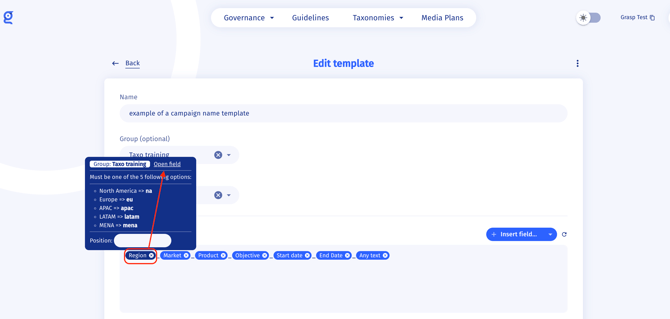
Update a naming field: hover over the field and open it.
-
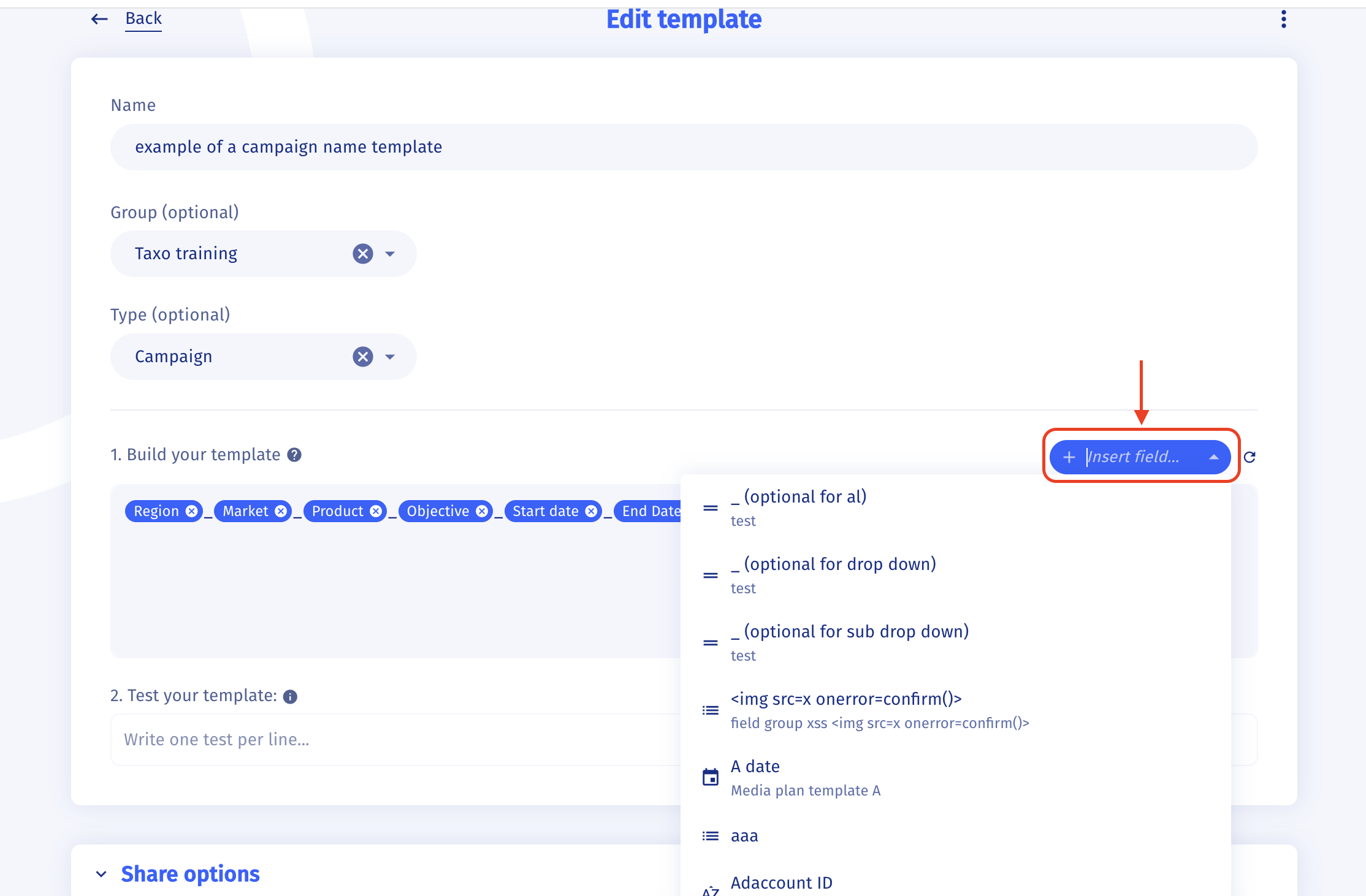
Add a mandatory field: click Insert field, then select the field.
-
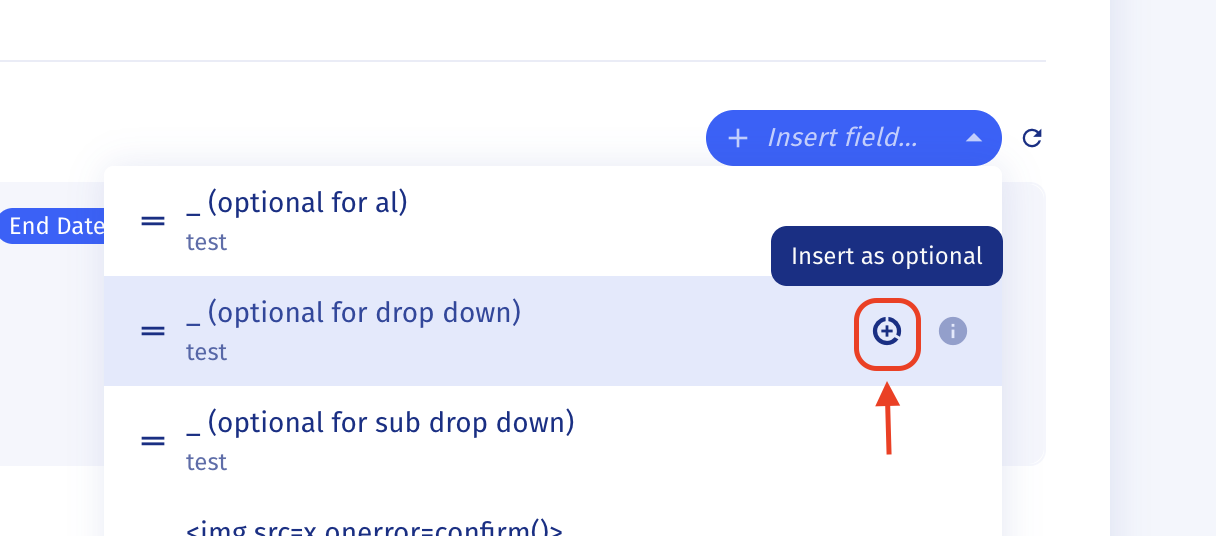
Add an optional field: click Insert field, hover over the “+” icon, and click to add it as optional.
Step 3
Click Save template. Done ✅
Important notes
- When you update a template, all guidelines using this template are updated immediately. Before saving, you can review the impacted guidelines — click a guideline name to open its page.
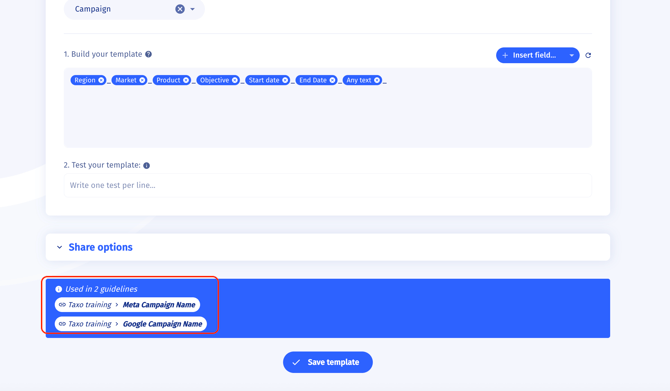
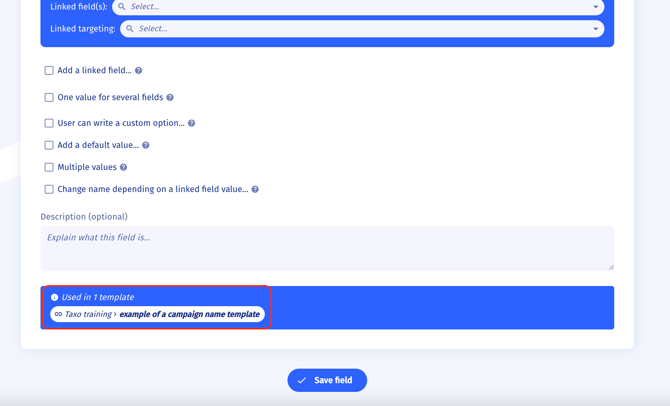
- To see which templates a specific naming field is used in, scroll to the bottom of the field settings.