Accessing Media Plan Templates in Grasp
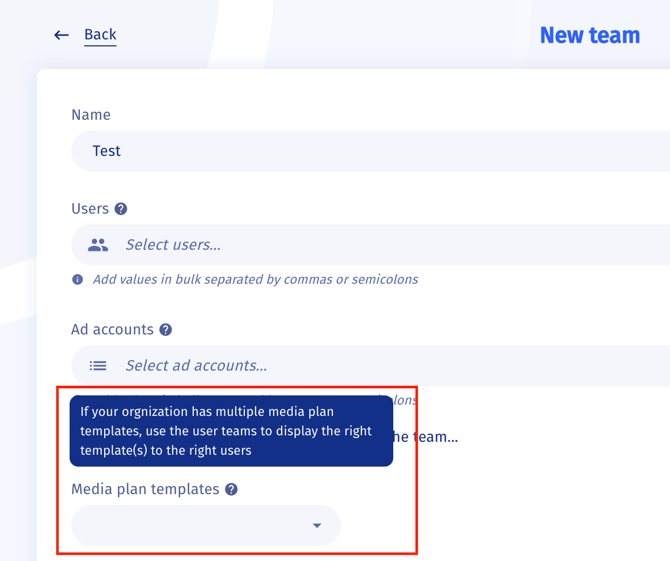
If your organization manages multiple clients in Grasp, you may have several media plan templates available. To keep things organized, templates are only visible to the teams they’re assigned to.
How it works:
-
Team-based visibility
-
Media plan templates are restricted to specific teams within your organization.
-
If you’re not part of a relevant team, you won’t see the template.
-
-
Gaining access
-
Once you’re added to a team linked to a media plan template, the template will automatically appear in your interface.
-
No extra steps are required on your end.
-
-
Need access to a template?
-
Contact your team lead or admin to request to be added to the right team.
-